

Smart baby monitor technology is transforming how parents keep an eye on their little ones, offering real-time insights, AI-powered alerts, and remote monitoring straight to your phone. But not all monitors are created equal, and behind the market growth there are essential factors to consider—cybersecurity, false positives, and long-term reliability among them. Here’s everything you need to know, with no fluff or hype.
Key Takeaways
- The global smart baby monitor market exceeded USD 1.7 billion in 2024 and is growing fast, with North America leading and Asia-Pacific catching up rapidly.
- Advanced monitors offer AI features like cry detection and sleep analytics—but issues with privacy, WiFi security, and false alarms remain unresolved for many brands.
- Critical information gaps exist: real-world user experiences, breakdown of total costs, safety incidents, installation support, and regulatory compliance are often unclear or missing from most reviews.
- What is a Smart Baby Monitor? Why it Matters
- How to Choose and Set Up a Smart Baby Monitor (Step-by-Step)
- Advanced Analysis & Common Pitfalls
- Conclusion & Next Steps
- Frequently Asked Questions
What is a Smart Baby Monitor? Why it Matters
A smart baby monitor goes beyond audio or simple video. It combines real-time HD video streaming, two-way talk, temperature sensors, motion alerts, and often AI-powered features such as cry detection and sleep analysis. Many connect to smartphones for easy remote access. Security, ease of use, and actionable alerts are top priorities for parents, making these monitors a pivotal part of modern nursery setups.
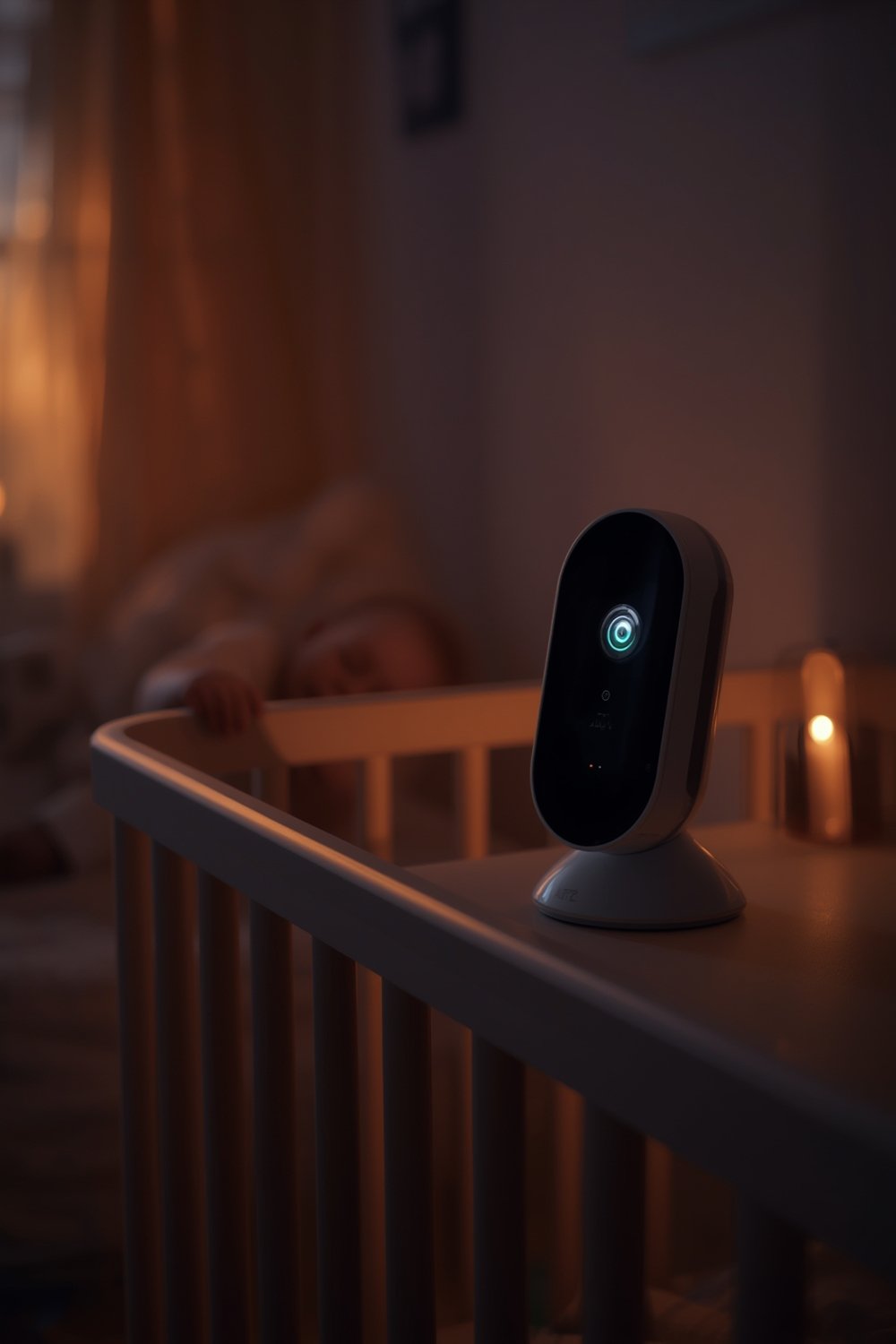
The market for smart baby monitors worldwide stood between USD 1.4 billion and 2.2 billion in 2024, showing a clear shift toward high-tech, app-enabled and AI-driven products.
How to Choose and Set Up a Smart Baby Monitor (Step-by-Step)
Selecting the right smart baby monitor is not just about picking the one with the most features. Consider your family’s daily routine, WiFi coverage at home, privacy needs, and how tech-savvy you are. Here’s a direct, actionable process:
- Identify core needs. Do you need just video and audio, or are AI features (cry alerts, sleep tracking, temperature) essential?
- Research brand reputations and reliability. While brands like Nanit, Owlet, Motorola, and Philips dominate, check if they offer solid customer support and receive consistent long-term positive feedback—addressing a gap in many online reviews.
- Compare features: HD video, night vision, temperature sensor, motion detection, multi-streaming, encrypted transmission, and whether usage requires a paid monthly subscription. If you value privacy, look for WiFi-free options like Jartoo’s local monitors or choose units with secure, encrypted connectivity.
- Assess installation complexity. Some models require tech setup, firmware updates, or specific smartphone operating systems. Simpler plug-and-play monitors might lack some AI features but are often more stable.
- Buy from a trusted retailer. In-person, offline buying still dominates the market as you can see, touch, and test units with expert guidance. But the online segment is growing rapidly—just ensure the store offers strong return and warranty policies.
- Physically set up the monitor. Follow manufacturer instructions but consider mounting at least 6 feet from the crib for wide, safe camera angles. Angle monitors to avoid capturing glare from nightlights.
- Test alerts, app integration, and two-way talk. Set up notifications, check if the app works seamlessly on your devices, and try test runs (simulate movement, noise, or cries) before relying on it at night.
- Revisit settings monthly. Periodically check for firmware/app updates, battery health (if not plug-in), and review privacy/security settings, especially if your monitor supports cloud storage.
If you’re deciding what to prioritize for your child’s nursery overall, see additional nursery setup and decor tips.
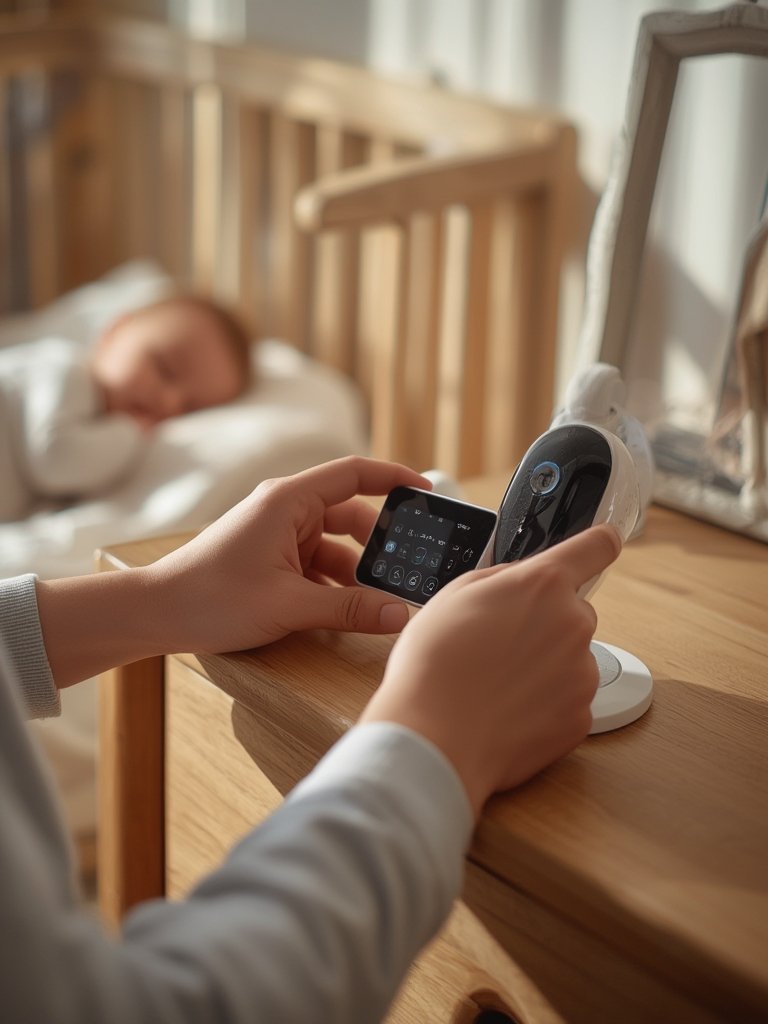
Don’t overlook related safety setups, such as reviewing safe sleep practices for toddlers and cribs as you choose tech options.
Smart baby monitors can be powerful—but only when matched with realistic expectations, safe installation, and regular re-evaluation of alerts and app reliability.
Advanced Analysis & Common Pitfalls
While smart baby monitors boast impressive growth and feature-rich apps, reality for parents is sometimes messy:
- Cybersecurity & Privacy Gaps: WiFi monitors can be vulnerable to hacking if left on default passwords or unencrypted. Newer products offer encrypted transmission, local-only (WiFi-free) operation, or secure app logins—but not all competitors are equally robust. For up-to-date manufacturer approaches, see this industry report.
- False Alarms & Missed Alerts: AI-powered cry or movement detection can deliver false positives (unnecessary alerts) or miss real events. Frequency of this is underreported in reviews and studies.
- Cost Confusion: Many monitors require paid subscriptions for video history, sleep insights, or premium alerts. Few brands clearly state total ongoing costs up front.
- Lack of Real-World Reliability Data: There’s little long-term data on battery fatigue, hardware durability, or whether parents continue to use high-tech models after the first year.
- Installation & Support Gaps: Complicated setup, connectivity errors, and lack of effective tech support are common, but underrepresented in most online guides.
| Feature | Strength | Common Pitfall |
|---|---|---|
| HD Video & Night Vision | Crisp images, 24/7 visibility | Can strain WiFi, risk disconnects |
| AI Cry Detection | Alerts to baby distress in real time | False positives, unclear accuracy rate |
| Sleep Analytics | Tracks baby sleep rhythm | Requires paid plans, accuracy varies |
| Temperature Sensors | Helps maintain safe room climate | May not always be precise or update in real time |
| Encrypted Connection | Improved privacy protection | Some models lack strong security or clear privacy policies |
| App Integration | Remote monitoring on smartphone | Dependence on cloud/WiFi, app bugs possible |
The most detail on features comes from market analysis such as GM Insights, but technical side-by-side comparisons across brands are almost always missing.
For broader ways to enhance your nursery and minimize clutter, check out practical toy and storage ideas for the baby room.

Regulatory compliance with standards (like CPSC or GDPR), electromagnetic safety, and cost breakdowns (including recurring storage fees) are rarely covered in product guides. And the psychological impact for parents—ranging from peace of mind to possible anxiety or overreliance on alerts—remains a real discussion gap.
If you’re curious about monitoring and developmental milestones, take a look at our guide to baby developmental milestones month by month.
Conclusion & Next Steps
Smart baby monitor technology is advancing quickly, offering powerful support for busy parents but also introducing complex decisions about features, privacy, costs, and reliability. Always evaluate what matters most for your household, ask about ongoing support, and set up your monitor alongside proven sleep safety best practices for your child.
Ready to compare your options or set up your first smart monitor? Start with secure installation, test all features before nightly use, and revisit compatibility regularly. For more on related parenting products, browse our other guides, including our breakdown on stroller travel systems and essentials for modern parents.
Ultimately, the right smart baby monitor balances convenience, safety, and peace of mind, but make sure you look beyond the marketing and ask the tough questions before you buy.
Frequently Asked Questions
What features actually matter in a smart baby monitor?
HD video, secure encrypted connectivity, night vision, and reliable app integration matter most for reliability and daily usability. AI features like cry and sleep detection can add value but may come with more false alerts.
Are WiFi baby monitors safe from hackers?
Not all are equally protected. Choose models that enable encrypted connections, require strong passwords, and offer two-factor authentication. Some brands also offer WiFi-free monitoring for maximum privacy.
Is it worth paying extra for sleep analytics and AI features?
AI-driven sleep and cry analysis can offer detailed insights, but accuracy varies and many require ongoing app subscriptions. Evaluate if these features match your genuine parenting needs before paying more.
What are the real costs of owning a smart baby monitor?
Most guides don’t disclose hidden expenses—beware potential cloud video storage fees, app subscription plans, and replacement parts (batteries, mounts). Always check total ownership cost.
Can smart monitors replace safe sleep habits?
No. A smart baby monitor is an aid—not a guarantee. Always follow safe sleep guidelines for infants, such as those in our safe sleep safety guide.
Alright, 8143bet is on my radar. Looks like a solid betting platform. Gotta test those odds, you know? Good vibes so far. 8143bet
[…] to round out your baby care knowledge? Visit our guides on smart baby monitors and organic baby skincare tips for complete peace of […]
[…] When focusing on overall family health, consider pairing your thermometer setup with safe sleep practices for toddlers and other essentials like a smart baby monitor. […]
[…] For more on overall baby safety strategies, see safe sleep for toddlers and AI-powered baby monitor recommendations. […]
[…] now connect to noise machines, lights, and more for an integrated baby sleep environment. See our wifi baby monitor guide for advanced integration […]