

Baby camera monitor technology is transforming how parents watch over their infants, offering convenience, peace of mind, and advanced safety features that go far beyond old-fashioned audio monitors.
Key Takeaways
- Video baby monitors dominate the market, offering enhanced safety and real-time visuals for parents.
- Choose monitors with HD video, reliable night vision, and encrypted wireless connectivity for peace of mind.
- Security and privacy remain top concerns—prioritize trusted brands that invest in strong data protection.
- What Is a Baby Camera Monitor, and Why Use One?
- Step-by-Step Guide: How to Choose and Set Up a Baby Camera Monitor
- Advanced Analysis and Common Pitfalls in Baby Camera Monitors
- Conclusion
- FAQ
What Is a Baby Camera Monitor, and Why Use One?
A baby camera monitor lets you visually track your child’s safety with live video, night vision, and instant alerts—delivering a level of supervision and confidence that audio-only monitors simply cannot match. In 2024, global demand for visual monitoring surged to account for over 80% market share, fueled by parents seeking better peace of mind and Smart Home integration.source
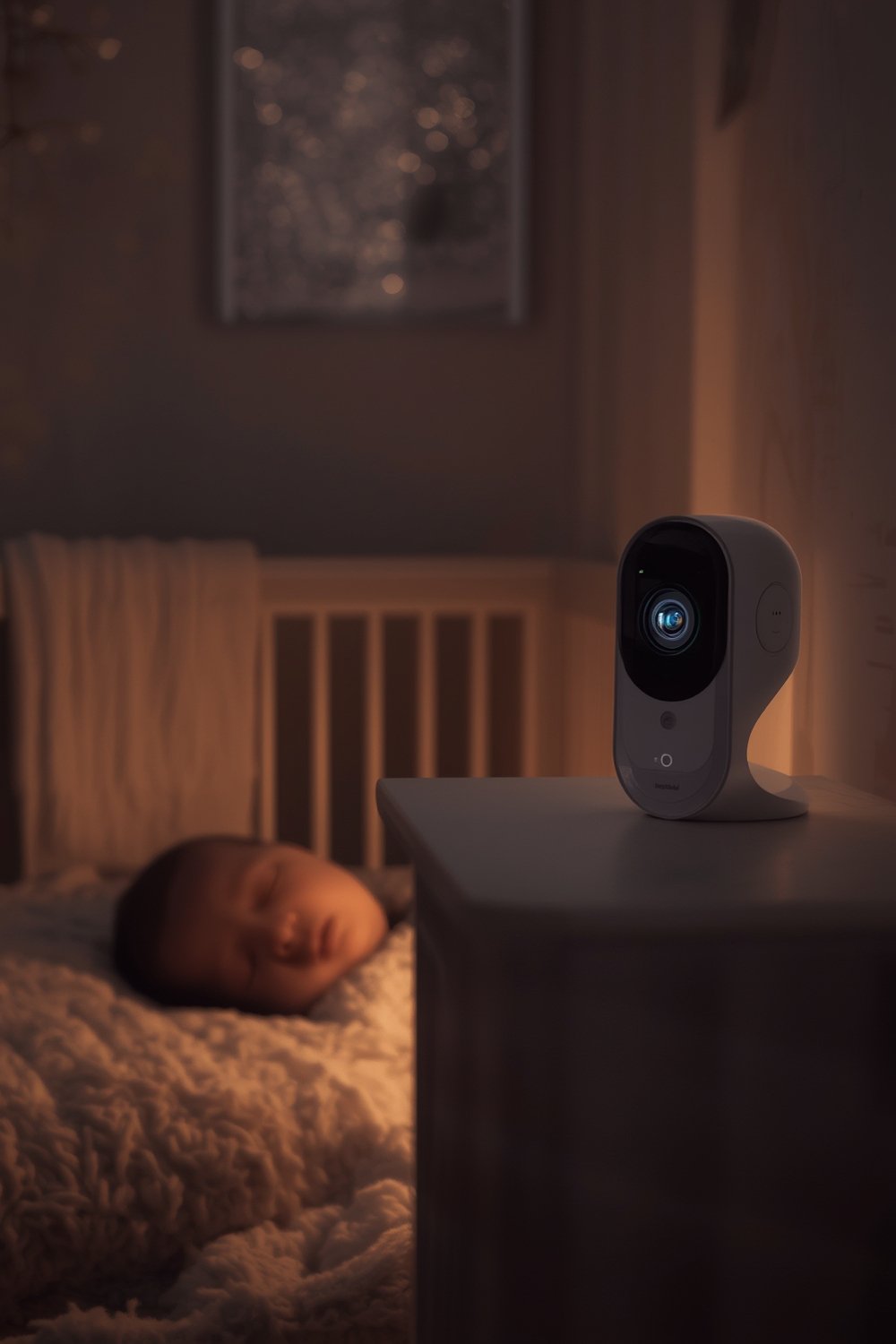
Today’s models feature HD video, encrypted wireless streaming, night vision, and integration with your smartphone. This isn’t just about seeing your baby—it’s about deep reassurance, quick response, and managing stress. For families seeking all-around safe sleep solutions, understanding baby camera monitors is a foundational part of creating a secure nursery. Toddler bed safety tips and smart monitors work together to make your home safer.
Parents are also drawn to features like temperature tracking and real-time sound alerts. Integration with smart home assistants and the growth of AI tech are shaping the monitor market’s future. As the global market is on track to hit $3.5 billion by 2034,source understanding what matters when choosing a baby camera monitor is essential.
Step-by-Step Guide: How to Choose and Set Up a Baby Camera Monitor
-
Define Your Monitoring Needs
Consider what level of monitoring you want: just video and audio, integration with your smartphone, temperature or motion alerts, or advanced AI features. Do you need something portable, or will your baby camera monitor stay in one room?
-
Assess Video Quality and Night Vision
Aim for at least 1080p HD video for a clear view day and night. Night vision is a must for low-light visibility, but check that the IR LEDs are truly invisible and don’t disturb your baby’s sleep.
-
Evaluate Wireless Connectivity and Range
Wireless monitors offer unmatched flexibility but require a stable Wi-Fi connection. Prefer devices supporting Wi-Fi 6 and encrypted channels for security. Hard-wired options may limit mobility but reduce risk of hacking.
-
Prioritize Security and Privacy Features
Always check for end-to-end encryption and clear privacy policies. Choose trusted brands that invest in secure firmware updates. Privacy concerns are driving smart baby monitor evolution.
-
Look for Useful Extra Features
Sound/motion alerts, temperature sensors, and app-based sleep tracking can make life easier. Try to avoid unnecessary extras that add complexity without real value.
-
Read the Setup Instructions Carefully
Follow the manufacturer’s guide for hardware placement, Wi-Fi setup, and mobile pairing. Test all features—night vision, app alerts, and audio clarity—to ensure reliable performance.
-
Test in Real Conditions
Simulate lights-off, naptime, and noisy environments. Verify night vision range, connection stability, and alert responsiveness. Adjust camera angles for the best view of the crib.
-
Establish Safe Mounting and Cable Management
Mount the camera high and out of reach. Secure loose cables using cable covers or clips. Periodically check for wear or pull hazards—nursery safety is always the top priority.
-
Connect to Other Smart Devices (Optional)
If you are using Alexa, Google Home, or IFTTT, check for compatibility. Some monitors now connect to noise machines, lights, and more for an integrated baby sleep environment. See our wifi baby monitor guide for advanced integration ideas.
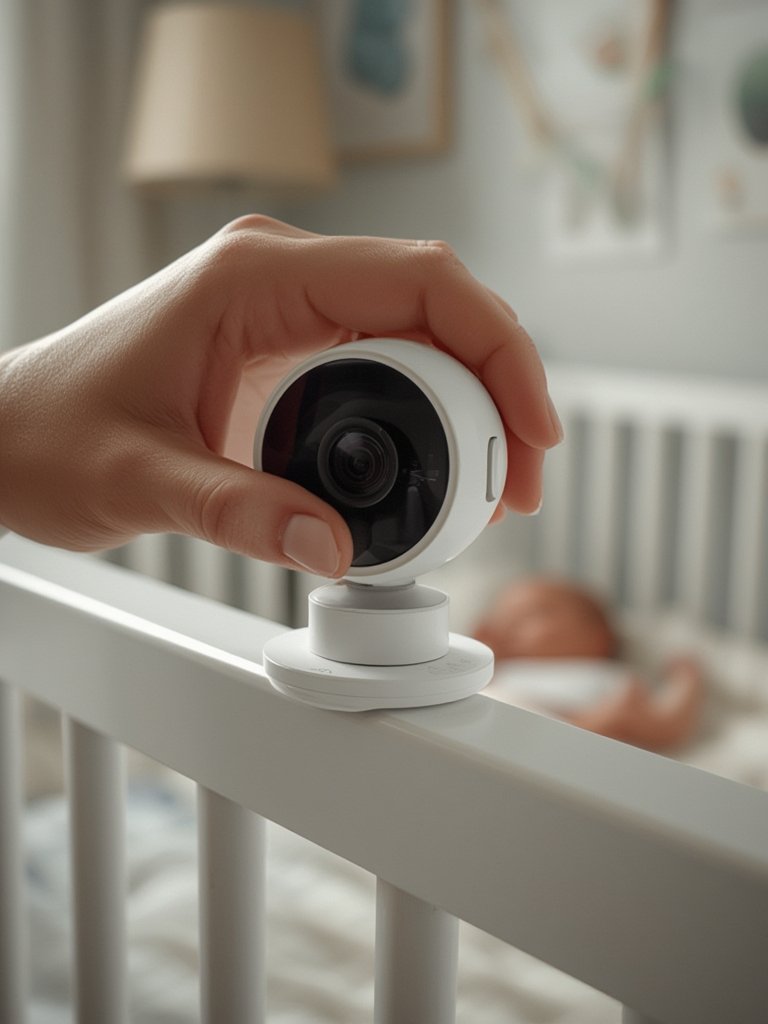
Don’t forget to test your system after setup—move to different rooms to check signal strength, adjust sensitivity of motion alarms, and ensure the monitor doesn’t pick up too much background noise. Setting up a new baby camera monitor is a great opportunity to review other nursery safety issues as well, such as toy organization and safe sleep sack use.
Advanced Analysis and Common Pitfalls in Baby Camera Monitors
Even top baby camera monitors have pitfalls and points of frustration that parents should understand. These issues range from technical limitations to security worries and the complexity of managing multiple smart devices at once.
| Feature | Common Pitfalls | How to Avoid |
|---|---|---|
| Night Vision | Washes out images, limited range, visible IR LEDs may disrupt sleep | Choose “no glow” IR models and read independent reviews |
| Wireless Connectivity | Wi-Fi drops cause false alarms, delayed video feeds if bandwidth is low | Use Wi-Fi 6 routers, minimize network congestion, set up signal boosters for large homes |
| Security & Privacy | Risk of hacking in poorly secured devices, unclear privacy policies, delayed updates | Pick trusted brands, change passwords regularly, check for encryption and ongoing firmware support |
| Mobile App Features | App crashes, battery drain, confusing settings panels | Update apps frequently, disable unused features, choose simpler interfaces for grandparents |
| Audio Alerts | Too sensitive (false alerts), not sensitive enough (missed events), difficulty adjusting settings | Adjust sensitivity in-app, test with different types of noise, train household on system use |
Despite user demand for deeper night vision performance, there is little data on exactly how well different monitors work in pitch-black rooms or their real-world alert accuracy. It is also hard to find detailed user feedback about recurring annoyances. Price ranges in 2024 can vary widely, as features and quality improve but aren’t always reflected in clear product tiers.source
Another frequent frustration is the lack of transparency about ongoing privacy support. Wired monitors prioritize privacy but may not fit all families. For wireless or smart monitors, look for end-to-end encryption, regular security updates, and clear data handling practices.
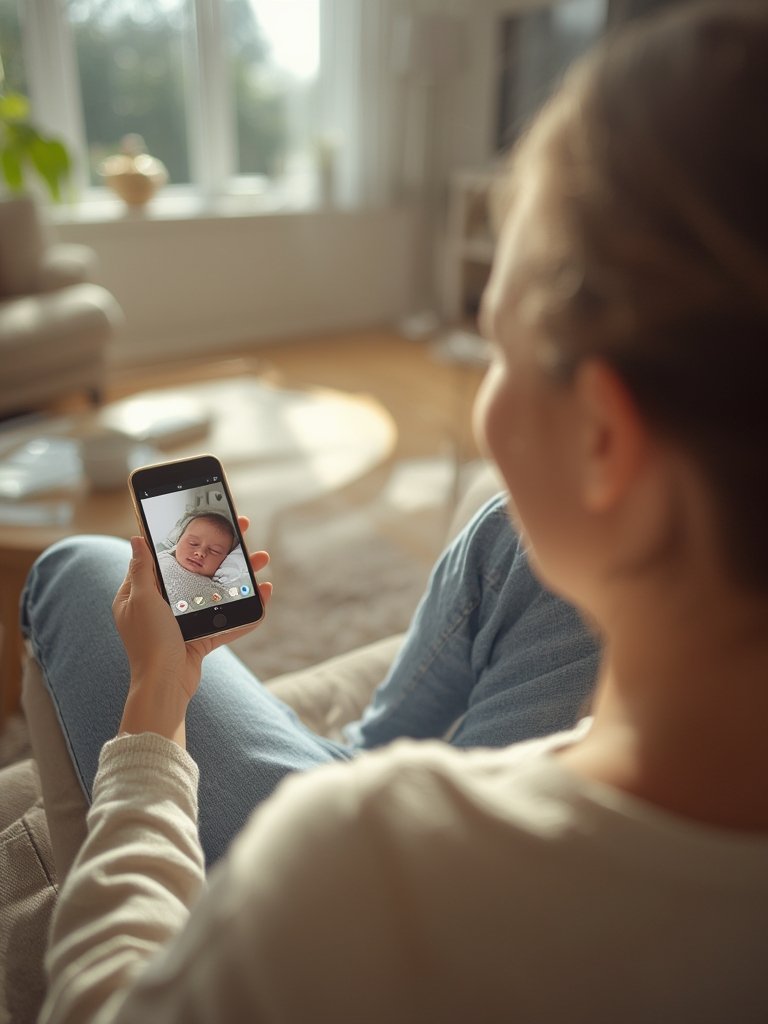
For a deeper dive into performance comparisons and smart nursery setups, read our baby care tips and baby travel system guide.
Conclusion
With rapid advances in monitoring technology, the baby camera monitor is now an essential tool for modern parents. It offers visual oversight, real-time alerts, and peace of mind that were once impossible. To get the best results, focus your decision on HD video, secure connectivity, reliable alerts, and solid privacy controls. There is no perfect monitor, but the right setup makes it easy to create a safe, nurturing space for your child. Ready to take charge of your nursery’s safety? Invest in a high-quality baby camera monitor and experience a new level of peace of mind today.
FAQ
What features matter most in a baby camera monitor?
Key features include HD (1080p) video, invisible infrared night vision, encrypted wireless connectivity, reliable audio alerts, and easy integration with your smartphone. Look for user-friendly setup and ongoing support as well.
Are baby camera monitors safe from hackers?
Top brands use encryption and frequent security updates to protect video feeds. However, no device is immune. Always use strong passwords, enable automatic updates, and review privacy settings regularly.
Can I use a baby camera monitor for more than one child?
Yes, many modern monitors offer split-screen or multiple camera options. Be sure to test multi-cam features for switching speed and app usability if you have twins or multiple kids.
How should I mount my baby camera monitor safely?
Mount cameras out of your child’s reach—usually in a corner at ceiling level. Clip, cover, or secure all cables. Never place the monitor directly above the crib where it could fall or pose a hazard.
What’s the difference between audio-only and video baby monitors?
Audio-only models only transmit sound. Video baby monitors provide real-time images, night vision, and often advanced alerts—delivering much more information for safety and peace of mind.