

Baby milestone tracker apps have become essential tools for parents eager to understand and support their child’s development, but not every tracker delivers what families truly need. Knowing which features matter—and which pain points to look out for—can mean the difference between anxiety and confidence on your parenting journey.
Key Takeaways
- Not all baby milestone tracker apps offer accurate insights or seamless usability—choose based on expert reviews and your family’s real needs.
- Practical features like multi-child tracking, stable performance, and accessible measurement units make a big difference.
- Privacy standards and clinical evidence behind milestone guidance are critically underaddressed—always evaluate app security and source quality.
- What Is a Baby Milestone Tracker and Why Does It Matter?
- How to Use a Baby Milestone Tracker (Step-by-Step)
- Advanced Analysis & Common Pitfalls to Avoid
- Conclusion: Getting the Most from Your Tracker
- FAQ
What Is a Baby Milestone Tracker and Why Does It Matter?
A baby milestone tracker is a tool (often an app) for recording the key physical, cognitive, social, and emotional skills your baby acquires as they grow. These trackers help parents understand what’s typical—like first smiles, first steps, and new words—and recognize signs of possible developmental delays.
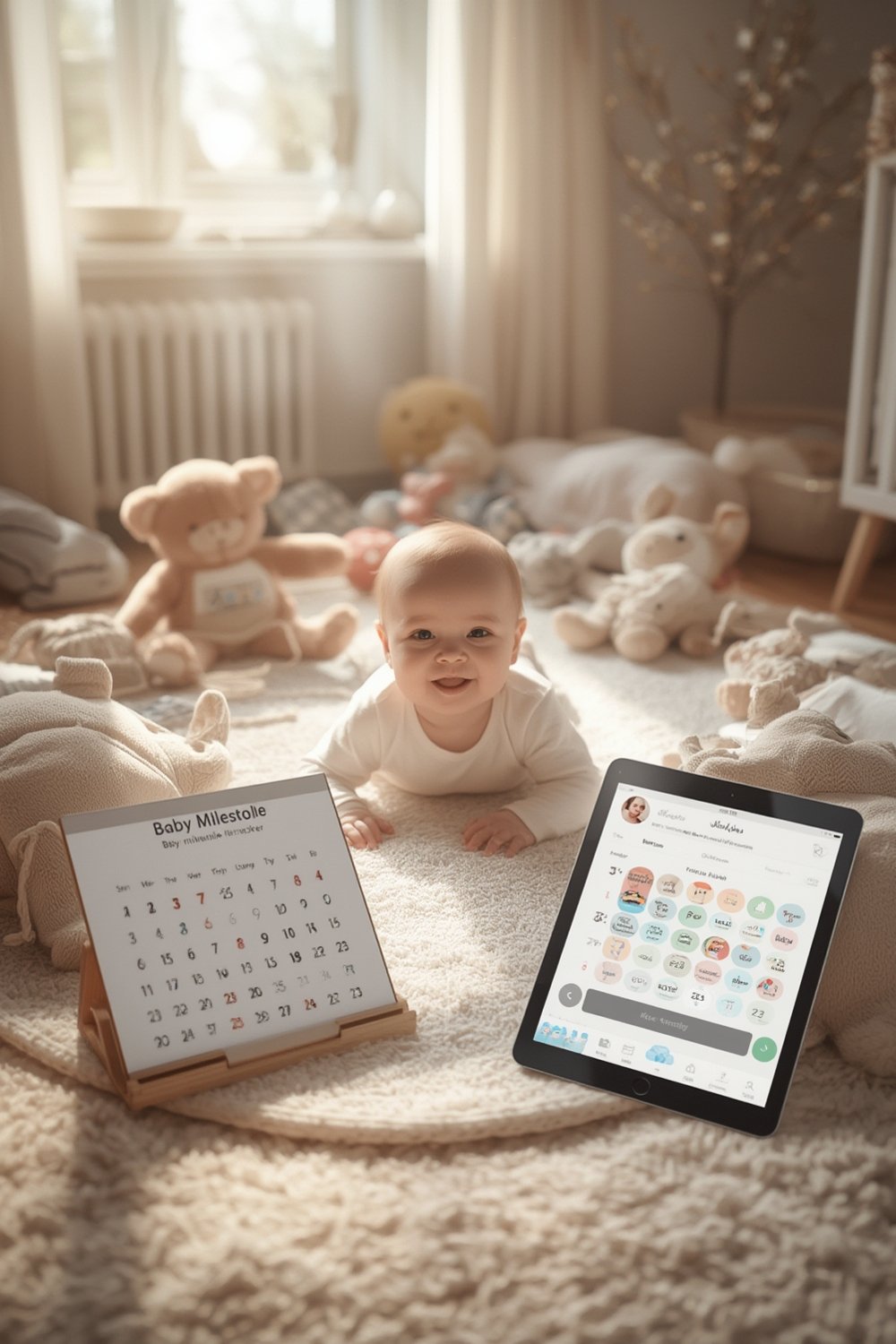
The right app provides interactive checklists, videos, and timely reminders. For many families, they offer reassurance and remove guesswork around complex child development stages. However, not all trackers are created equal—some can actually increase stress with too many alerts or confusing data.
Choosing a milestone tracker is just one part of building your support system. Safe sleep practices, such as those detailed in our guide on toddler bed safety, and understanding baby’s developmental milestones month by month complement what an app can do.
How to Use a Baby Milestone Tracker (Step-by-Step)
- Choose the right app for your family. Free, trusted options like the CDC Milestone Tracker offer checklists aligned with public health guidelines. Premium apps like Huckleberry or Glow Baby add sleep analysis or community features—decide if you need advanced data or basic reassurance.
- Create a profile for each child. Most apps let you track more than one child, essential when you have twins or siblings under five.
- Input accurate data from the start. Enter birth date (or corrected age for preemies), gender, and any key medical history. For preterm babies, use apps that allow clear prematurity adjustment for more accurate milestone targets.
- Log milestones promptly as they happen. Add achievements as soon as you observe them. Use measurement units (ounces, inches) that match your well-child visit forms for easier sharing with your pediatrician.
- Share and sync across caregivers if needed. If co-parents or caregivers are involved, choose apps that allow multiple users or device syncing. This avoids miscommunication and ensures a complete record.
- Review alerts and guidance with context. Don’t panic if an app alerts you to missed milestones—review with your healthcare provider, as many apps err on the side of caution.

For parents focused on broader care routines, apps that combine milestone tracking with sleep and feeding logs—such as Huckleberry or Glow Baby—may be more effective. Keeping data all in one place lessens the risk of missing patterns or milestones, and also helps you spot concerns like baby sleep regression or feeding issues early.
Advanced Analysis & Common Pitfalls to Avoid
Not all baby milestone tracker apps are equal. In fact, choosing the wrong one could cause unnecessary stress, missed milestones, or data privacy issues. Below are the most commonly reported pitfalls, straight from current research and parent reviews.
App Feature Comparison & Real User Issues
| App | Best For | Cost | Key Features | User Ratings |
|---|---|---|---|---|
| CDC Milestone Tracker | Official US guidelines, free | Free | Checklists, video/photo, prematurity adjustment, multi-child | 4.9 (App Store)/3.4 (Google Play) |
| Huckleberry: Baby & Child | Sleep & all-in-one care | Free/Premium | Sleep trends, feeding/diaper logs, multi-user, reminders | High (app leader in 2024 US downloads)source |
| Glow Baby | Growth & feeding logs, multi-user sync | Free/Premium ($16–$60) | Charts, logs, caregiver sharing, community | See Good Housekeeping reviews |
| The Wonder Weeks | Behavioral leaps, fussy periods | Subscription | Predictions, community, detailed leap charts | Mixed (pricing not always clear) |
What Parents Complain About the Most
- False alarms: Overly sensitive apps (like CDC’s) raise red flags too quickly if milestones are missed, increasing parental anxiety.
See source. - Lack of measurement choice: Inability to enter weight in ounces or length in fractions of inches—most apps stick to whole numbers, which can affect tracking accuracy for very young babies.
- Instability and crashes: Updates can break an app completely, leaving parents unable to access important data.
See Play Store reviews. - Poor data privacy information: None of the top apps make it easy to check how your baby’s data is encrypted, shared, or managed according to privacy standards like HIPAA or COPPA. This is a critical gap.
- No direct integration with pediatricians or EHRs: Nearly all trackers require manual sharing with your doctor—which can lead to errors or forgotten updates.
Critical Gaps to Watch For
- No evidence-based standards shared publicly: Only the CDC’s app links to clear public health guidelines.
- Lack of customization: Prematurity adjustments and milestone targets often come in broad, imprecise categories.
- Premium costs rarely justified: Free apps cover most needs—many parents only pay for extras like photo storage, pictures, storage, or community forums.
For a deeper look at how these apps compare to other parenting tech, check out our coverage on smart baby monitors and choosing the best stroller travel system for busy families.
It’s important to remember that a baby milestone tracker is one tool among many—sometimes, hands-on methods or guidance from a pediatrician (like those discussed in our parenting guide to child development) will fill the gaps left by any digital app.

Conclusion: Getting the Most from Your Tracker
Baby milestone tracker apps can be a major asset for parenting—when chosen and used wisely. Prioritize apps that are stable, let you track each child in detail, provide calm reminders, and are open about data privacy. Remember to cross-check any alerts with your healthcare provider instead of worrying alone. The right tracker fits neatly into routines alongside other baby essentials, such as safe sleep solutions, toy organization strategies, and organic skincare tips.
When in doubt, start with a free, reputable baby milestone tracker and supplement your insights with advice from your pediatrician or trusted guides. Ready to get started? Explore our guided articles or download the top-rated app today!
FAQ
Is using a baby milestone tracker app safe for my family’s personal data?
Most major apps require basic sign-in, but few clearly explain their data encryption or privacy safeguards. Review their privacy policies, avoid posting sensitive information, and choose apps that let you control sharing. If in doubt, ask your pediatrician for recommended tools.
How accurate are the milestone checklists in free apps?
The CDC Milestone Tracker app follows US national guidelines and is widely recommended for general milestones. Other apps may use proprietary research—always cross-check anything concerning with your healthcare provider.
Should I worry if the app says my child is behind?
Not always. Many apps use overly sensitive criteria and flag missed milestones even when children are still developing normally. Use app notifications as conversation starters with your doctor, not a diagnosis on their own.
Can I track more than one child in the same app?
Most leading trackers, including the CDC, Huckleberry, and Glow Baby, support multiple child profiles—just set up each separately within the app settings.
What’s the difference between free and premium milestone tracking apps?
Free apps usually cover essential tracking and milestone checklists. Premium subscriptions often add features like photo storage, community support, real-time device syncing, and custom reminders. Many parents find the free versions sufficient, as shown in recent tester reviews.
[…] Pro Tip: Track flare-ups and symptom patterns with a simple notebook or a digital baby milestone tracker. This can help identify triggers and help your pediatrician tailor the treatment. 🔥 Hacks & […]
[…] to push up, refuses tummy time, or only uses one side of the body, mention it at your next well-baby checkup for extra […]
[…] For more baby care tips as you prepare, read our detailed baby milestone guide and consider a baby milestone tracker to keep tabs on your infant’s progress during the first year of […]