

Best baby monitor technology in 2024 lets parents know their baby is safe, comfortable, and sleeping soundly—even from another room or while away from home. This no-nonsense guide explains how to choose the right monitor, what actually matters in features, and what to avoid.
Key Takeaways
- video baby monitors with Wi-Fi/app control now dominate the market, offering useful AI features and HD streams.
- Privacy, real security, and practical setup matter more than most advanced specs; price ranges from budget to $180+.
- Not all “best baby monitors” are equal—learn how to spot marketing hype and avoid rookie pitfalls.
- What Makes a Baby Monitor the Best?
- How to Choose and Set Up the Best Baby Monitor in 2024
- Advanced Analysis & Common Pitfalls
- Conclusion: Start Smart With Your Best Baby Monitor
- FAQ
What Makes a Baby Monitor the Best?
A reliable baby monitor lets parents track their child’s safety and sleep—giving peace of mind without endless worry. In 2024, the smart baby monitor market is booming, valued at $1.4 billion and aiming for $3.7 billion by 2034 (source). The trend is clear: video monitoring leads, with Wi-Fi/app-enabled models as the fastest-growing segment. Parents choose these for remote access, AI-driven sleep tracking, and HD video. Audio-only types are now secondary.
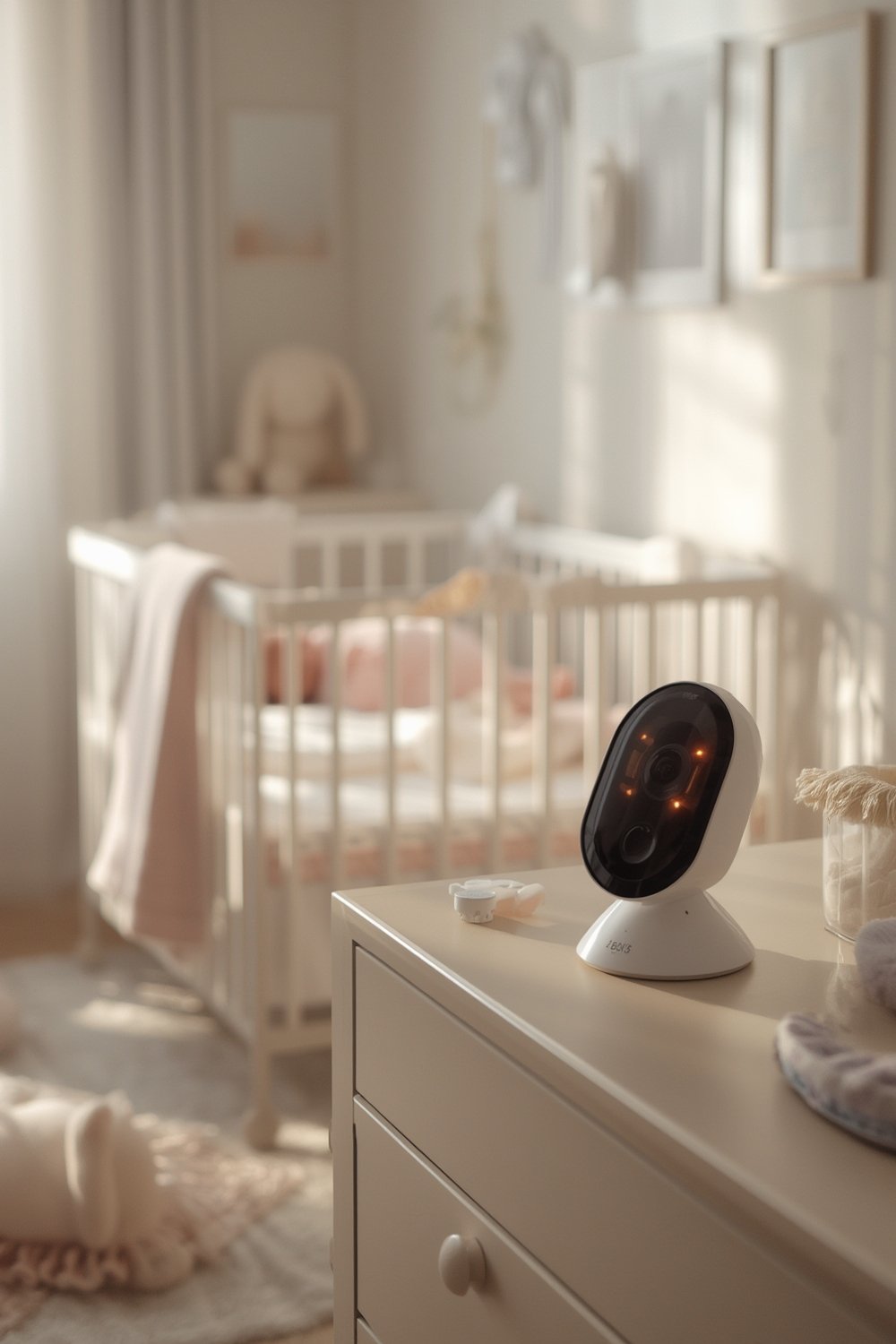
For most families, the best baby monitor isn’t the most expensive or feature-packed—it’s the one that fits your home layout, addresses privacy, and is simple to use. With over 74% of the market using video, and nearly 90% of monitors now wireless, parents need to know how to pick (and secure) the right system for their needs.
You can read a smart baby monitor buyer’s guide for more details, or see practical sleep tips in our baby developmental milestones tips.
How to Choose and Set Up the Best Baby Monitor in 2024
Here’s a step-by-step approach any parent can follow to get real peace of mind—from unboxing to final setup.
-
Decide on Monitor Type:
– Video (HD and night vision, most popular in 2024)
– Wi-Fi/App-Connected (remote viewing, sleep analytics)
– Wearable (often includes motion or breathing sensors)
– Audio-only (simple, less common as primary in 2024) -
Set a Realistic Budget:
– Basic video models: usually $60-$130
– Premium brands with AI tracking: $130-$180+ (example: Philips Avent at $180—source) -
Evaluate Security and Privacy:
– Modern monitors (especially Wi-Fi) should have FCC IoT Cybersecurity Label/Cyber Trust Mark.
– Opt for local-only (no cloud upload) or multi-factor security on app monitors. -
Check Key Specs, Not Hype:
– Range (for non-Wi-Fi models), battery life, camera resolution, night vision, mobile notifications.
– Investigate how you’ll actually use the monitor day-to-day.
For more on safety, visit our crib safety tips guide. -
Placement & Setup:
– Place camera at least 3 feet from crib, out of baby’s reach.
– Secure cords and wires.
– Test night vision modes and app signal from your preferred locations.
– Set alerts for movement and sound (not all AI alerts are created equal). -
Test, Adjust, Repeat:
– Spend 2-3 nights testing different angles and settings.
– Confirm audio/visual reach throughout home and that notifications aren’t excessive or missing critical alerts.
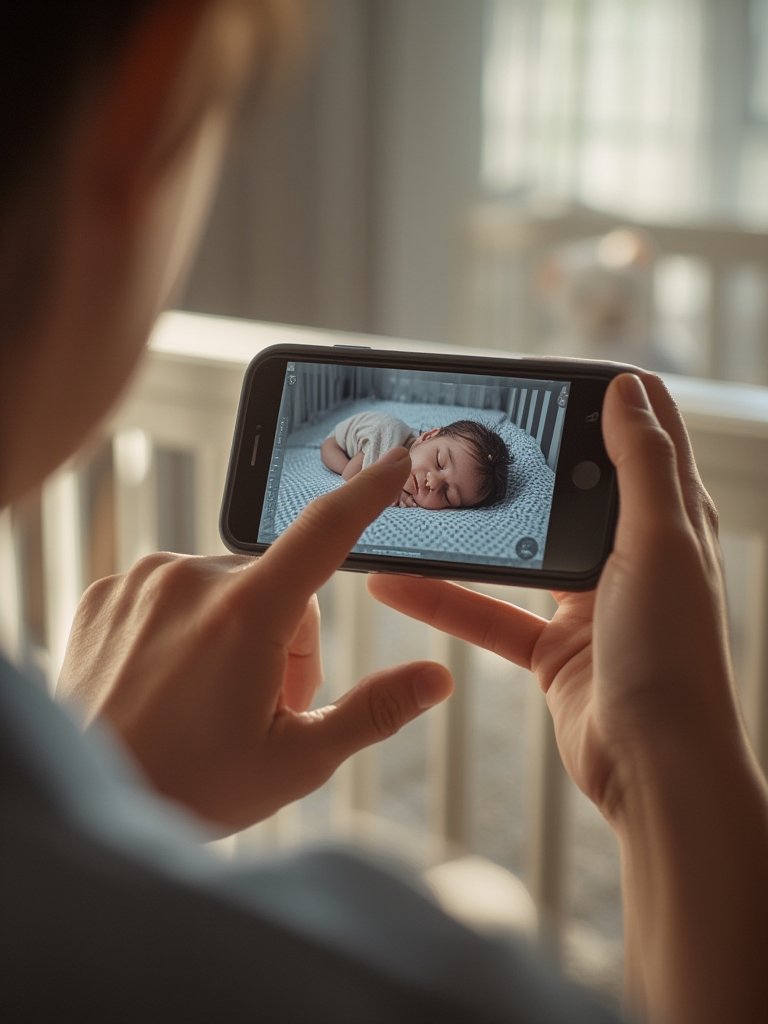
You can further boost your nursery with a dedicated baby camera monitor or safety-enhancing baby safety gate as your child grows.
Remember, thorough setup and regular reviews are more important than chasing the latest feature buzzwords. Make sure you regularly update device firmware for ongoing protection.
Advanced Analysis & Common Pitfalls
Market research shows that video baby monitors made up over 74% of all monitor sales in 2024, with wireless/Wi-Fi models at nearly 90% share (see details). However, market growth has brought new challenges:
Common Pitfalls When Choosing or Using Baby Monitors
- Neglecting Security: Wi-Fi/app monitors can be vulnerable if you ignore password and privacy settings, or leave default logins enabled.
- Over-Reliance on Features: AI tools like cry/face/movement detection are helpful but sometimes produce false alarms. Always double-check.
- Placement Errors: Monitors or cords within baby’s reach pose real suffocation and entanglement risks—blocking the whole point of safety.
- Ignoring Dead Zones: Some monitors, especially cheaper models, have poor range in large houses or thick-walled apartments.
- Battery Anxiety: Not all devices offer reliable battery/backup—especially models that require frequent charging.
- Unrealistic Expectations: No baby monitor replaces proper supervision or makes sleep issues disappear overnight. For real sleep help, see our baby sleep training guide.
Quick Comparison of Leading 2024 Models
| Model | Key Features | Connectivity | Specs Noted |
|---|---|---|---|
| Philips Avent (2024) | HD video, night vision, motion detection, two-way talk | Wi-Fi/app | Range, battery, and full resolution details not public |
| Maxi-Cosi See Pro (2024) | AI CryAssist (decodes cries) | Not specified | Battery life and security features unclear |
| Ellie Baby Plus (2024) | Screen-based AI, Wi-Fi optional, non-WiFi main mode | Non-WiFi (screen), Wi-Fi/app optional | No detailed spec comparison available |
| Xiaomi Smart Camera (2024) | AI cry/cough/sound detection | Not specified | No public benchmark specs |
| Nanit | Computer vision, wearable-free sleep tracking, app | Wi-Fi/app | Specs, battery, and privacy policy must be checked individually |
For even more convenience, consider a baby white noise machine to pair with your monitor for better overnight calm.
New FCC rules (2024) mean top wireless monitors should now advertise cybersecurity labels. Several brands (like Xiaomi and Ellie Baby Plus) now focus on privacy—Ellie offers a non-WiFi monitor to address these concerns (source).
Conclusion: Start Smart With Your Best Baby Monitor
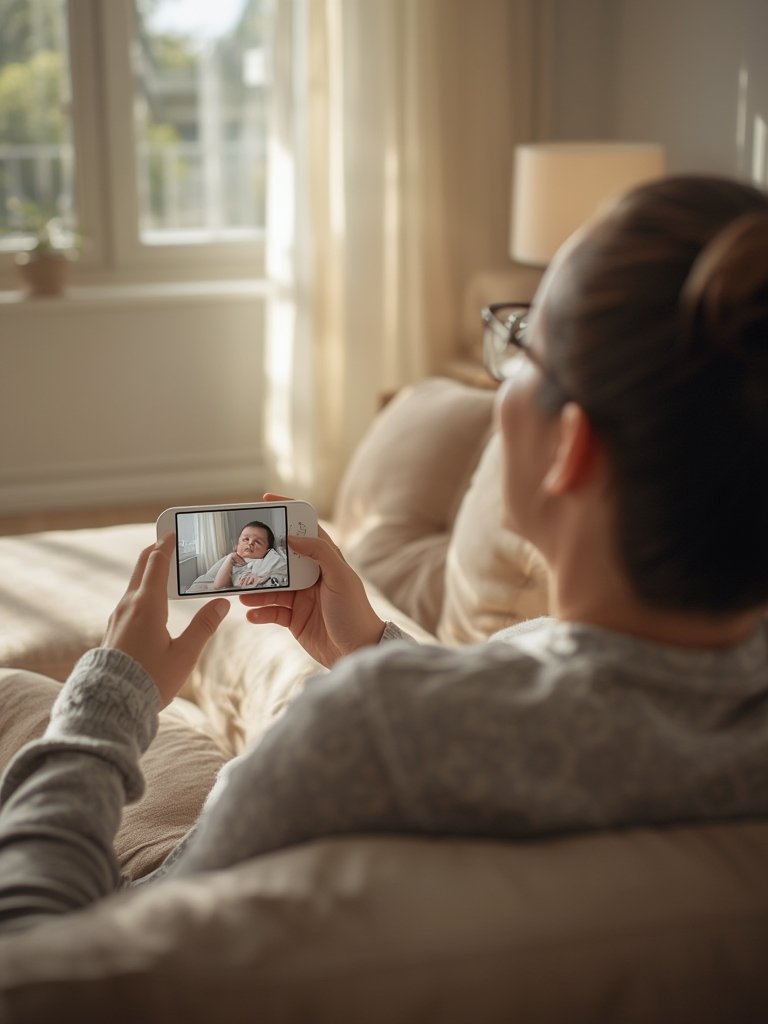
The explosion of AI-powered and app-based monitors in 2024 gives parents more options than ever, but “best baby monitor” means making a focused, practical choice. The right monitor for your family has solid security, clear video, sensible alerts, and fits your real budget. Watch out for hype, set up with privacy in mind, and always test before relying overnight.
Ready to secure your nursery? Start by writing down your must-have features and best baby monitor budget, then follow the guide above for a safer, more peaceful night. Looking for additional nursery safety ideas? Explore our detailed nursery decor and safety guide or check out when babies start crawling to combine safety and child development.
FAQ
Are Wi-Fi baby monitors safe from hackers?
Most Wi-Fi monitors are secure if you change default passwords and use devices with up-to-date security features, like FCC IoT Cybersecurity Labeling. For maximum privacy, consider non-WiFi or local-only models like Ellie Baby Plus.
Does a more expensive monitor mean better safety or features?
Not always. Many premium models focus on AI and app perks, but the basics—clear video, stable connectivity, secure setup—matter far more. Double-check real specs and user experience, not just price.
Where should I place the baby monitor for the best coverage?
Keep all monitors and cords at least 3 feet from the crib and completely out of the baby’s reach. Angling the camera to see both crib and room entry points gives a fuller view and minimizes blind spots.
Can a baby monitor reduce SIDS risk?
No monitor or app can prevent SIDS alone. However, using a monitor helps you check on your baby and respond quickly if needed. Always follow safe sleep guidelines—see our safe sleep tips—and keep the crib clear.
How do I avoid too many false alarms from my monitor?
Fine-tune sound and movement alert settings after a few days of real use. Avoid monitors that only offer “all or nothing” notifications and be prepared to adjust as your baby grows and becomes noisier or more mobile.