

### Blog Post:
Best smart baby monitor 2026 models are changing how parents protect their infants in the digital age. In this guide, we break down the latest advancements, honest pros and cons, and everything you should know to choose the right monitor for your family in 2026.
Key Takeaways
- AI-driven smart baby monitors in 2026 offer real-time alerts, privacy-focused edge processing, and advanced health tracking capabilities.
- Wireless connectivity, smart home integration, and high-definition cameras set premium models apart, but also introduce privacy and reliability challenges.
- It’s crucial to balance feature-rich options with honest awareness of pitfalls like cybersecurity risks, battery issues, and app failures.
- Understanding Smart Baby Monitors in 2026: What’s New and Why It Matters
- How to Choose and Set Up the Best Smart Baby Monitor in 2026
- Pitfalls, Trade-offs, and Insider Analysis of Smart Baby Monitors
- Conclusion: Making a Smart, Safe Choice in 2026
- FAQ: Smart Baby Monitors 2026
Understanding Smart Baby Monitors in 2026: What’s New and Why It Matters
The smart baby monitor market is experiencing rapid growth due to increased demand for child safety, more dual-income families, and the rise of nuclear households. More parents are seeking solutions that offer not only audio and video monitoring, but also predictive AI features, sleep and health analytics, and seamless smart home integration. These monitors go beyond simple observation—they deliver personalized alerts, analyze your baby’s sleep patterns, and even automate nursery environments.
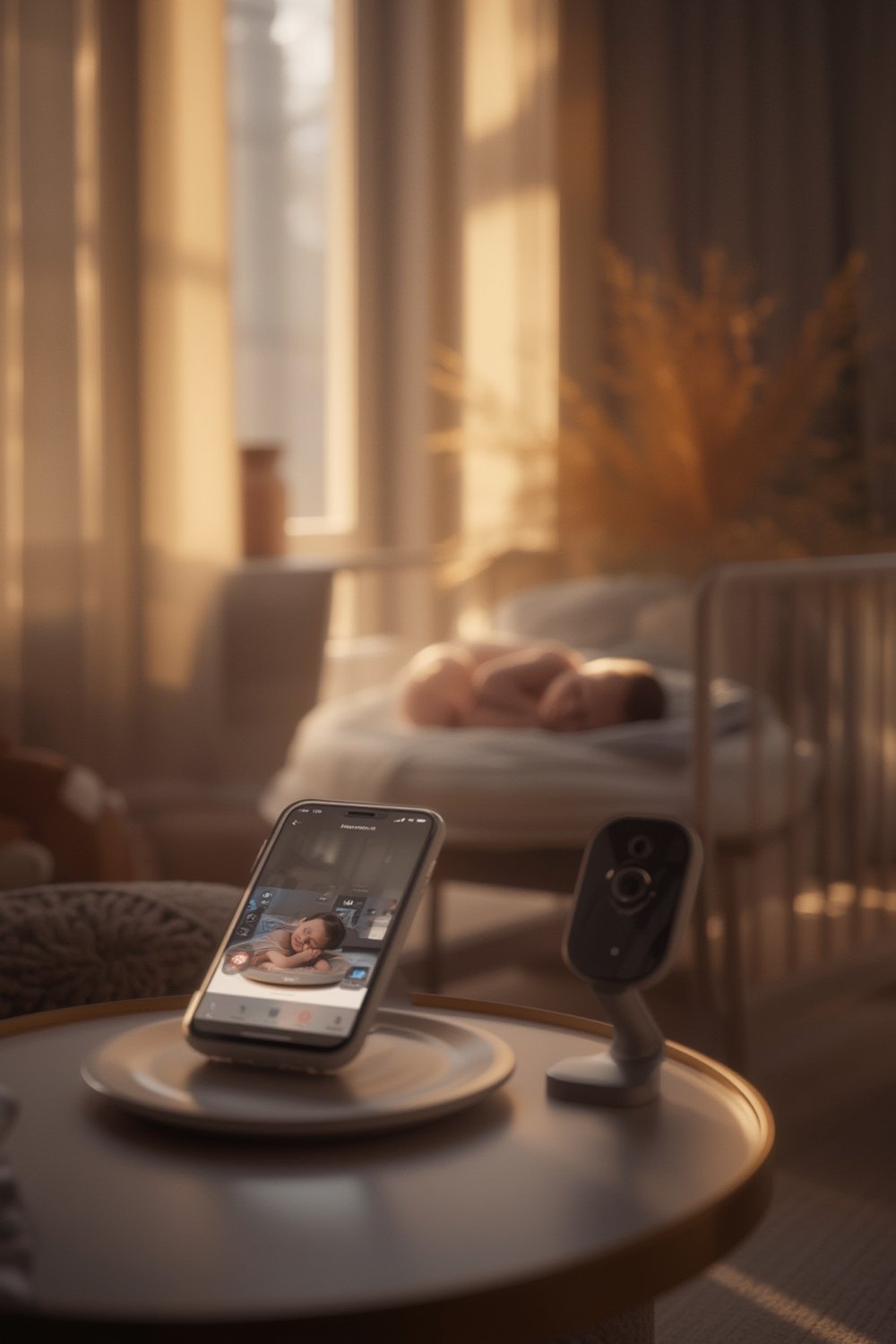
Market research projects the industry will reach USD 1.99 billion in 2026, with video-based monitors and wireless, app-connected devices dominating the segment. AI-driven functions like facial and cry recognition, false alert reduction, and predictive health monitoring are now standard in premium models—reflecting new parent priorities in 2026.
But not all that glitters is gold. While next-gen monitors promise more peace of mind, they do introduce challenges that many guides ignore—such as cybersecurity vulnerabilities, limited battery life, and the risk of tech dependency. Making an informed purchase means knowing both the innovation and the risks.
For more on smart nursery technology and its impact on safety, see our smart baby monitor buyer’s guide.
How to Choose and Set Up the Best Smart Baby Monitor in 2026
Choosing and successfully installing the best smart baby monitor for your home requires more than skimming manufacturer claims. Follow these steps for evidence-backed results and peace of mind.
- Define your monitoring priorities.
- Do you prefer a camera with true night vision, AI-powered breathing and cry alerts, or maximum battery life?
- Sleep-tracking features are especially helpful during regression phases.
- Compare wireless connectivity and smart home compatibility.
- Confirm the monitor supports secure WiFi, works with Alexa or Google Home, and has a reliable app. App-dependent monitors may fail if your connection is spotty.
- See camera monitor compatibility essentials.
- Inspect privacy and security.
- Enterprise-grade encryption should be non-negotiable in 2026. Confirm the manufacturer’s approach to data privacy and whether footage is stored locally or on the cloud.
- Evaluate battery life and backup.
- Even the most advanced models often cap out at 8-12 hours of video runtime. Consider a model with USB-C quick charge or the option for wired operation as backup.
- Assess cost versus features honestly.
- Average-tier models feature video, temperature/motion alerts, and limited AI, while premium options add predictive analytics, nursery climate control, and near-seamless smart home integrations.
- Weigh if predictive alerts and custom lullabies are must-haves or if a reliable video and sound feed is enough for your household.
- Budget-minded? Review our detailed baby monitor buying guide for value picks.
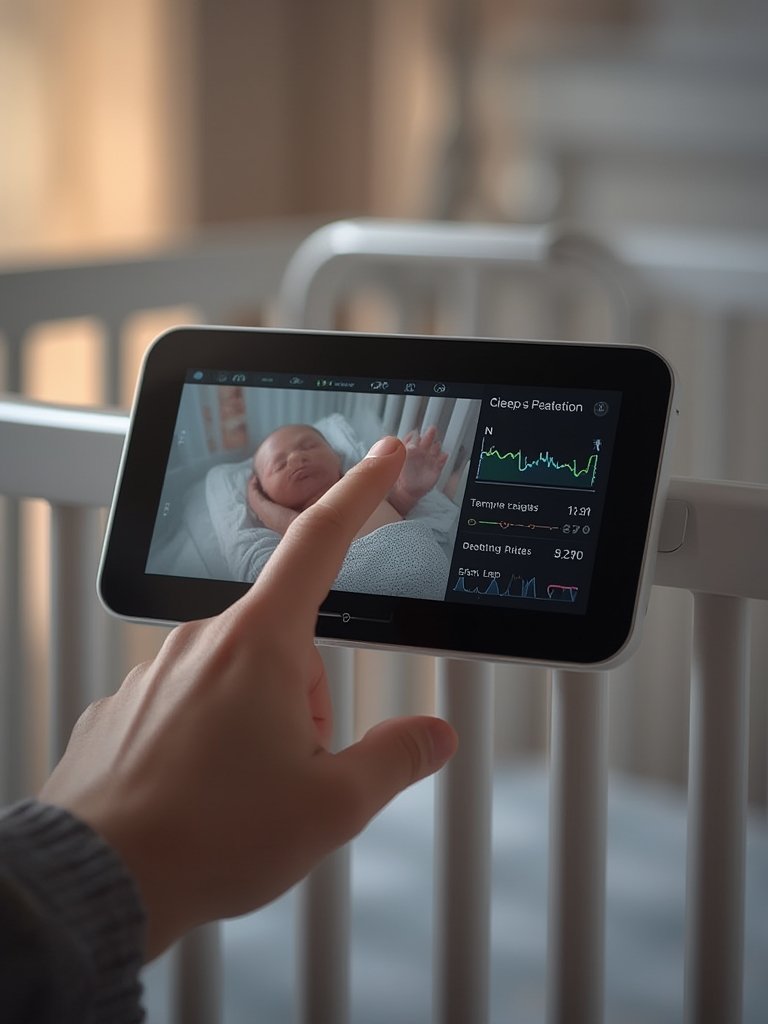
- Set up your device to limit interference.
- Position the camera away from thick walls, microwaves, or other wireless devices to avoid signal disruption.
- Create unique passwords—never use defaults.
- Test and personalize app notifications.
- Run through mock events to check alert speed and whether the AI accurately distinguishes between baby’s natural sounds and real distress.
- Customize notifications so you’re not bombarded with false alarms at night—a major reason many parents stop using smart monitors.
- Maintain firmware updates.
- Check for updates or security patches monthly to avoid vulnerabilities as the IoT landscape evolves.
For additional nursery safety tips beyond monitoring, read about toddler bed safety and crib safety tips.
Pitfalls, Trade-offs, and Insider Analysis of Smart Baby Monitors
Understanding limitations and risks is just as important as comparing features. Here are the challenges and issues real parents face with the best smart baby monitors in 2026:
Common User Complaints and Limitations
- Privacy concerns: The move to IoT and cloud-based streaming increases hack risks. Even with encryption, no network is unbreakable. Many parents prefer local (edge) AI processing when available. Source
- Battery life issues: Even high-end monitors can run out during the night, especially on full HD streaming modes. Always have a charging plan as backup. Source
- App connectivity frustrations: App-enabled monitors may suffer from slow loading, connectivity dropouts, or laggy video—especially in homes with many WiFi devices.
- False alerts: Older or non-AI models overwhelm parents with unnecessary wakeup calls. Thankfully, 2026 AI platforms have cut these by almost half.
- Lack of long-term durability: Battery degradation, plastic fatigue, or frequent updates that break features often appear after the first year—however, few competitor reviews honestly dwell on durability or support.
Comparison Table: Essential 2026 Features and Typical Downsides
| Feature | 2026 Premium Models | Average Models | Common Pitfalls |
|---|---|---|---|
| AI-Powered Alerts | Yes – predictive, customizable | Basic cry/motion sensors | False alarms, missed nuance in cheaper models |
| Camera Resolution | Full HD/4K, advanced night vision | HD/720p | Low-light issues in standard models |
| Battery Life | 8-12 hours/quick charge | 4-8 hours | Batteries degrade over time, may require corded use |
| Smart Home Integration | Full (Alexa, Google), IFTTT | Limited or none | Compatibility bugs, patchy support |
| Privacy/Security | Edge-AI, strong encryption, local storage | Basic encryption, often cloud-stored | Cybersecurity vulnerabilities, compliance gaps |
| Cost (USD, est.) | 300-500+ | 80-200 | Premium prices restrict accessibility |
Solutions: How to Avoid the Most Common Issues
- Always change default passwords and turn off remote sharing features you don’t plan to use.
- If your WiFi is unreliable, choose a monitor with dual connectivity (WiFi plus local handheld screen).
- Prefer brands with transparent security patches and responsive customer support.
- For more on holistic child development support, see our month-by-month parenting guide.
Conclusion: Making a Smart, Safe Choice in 2026
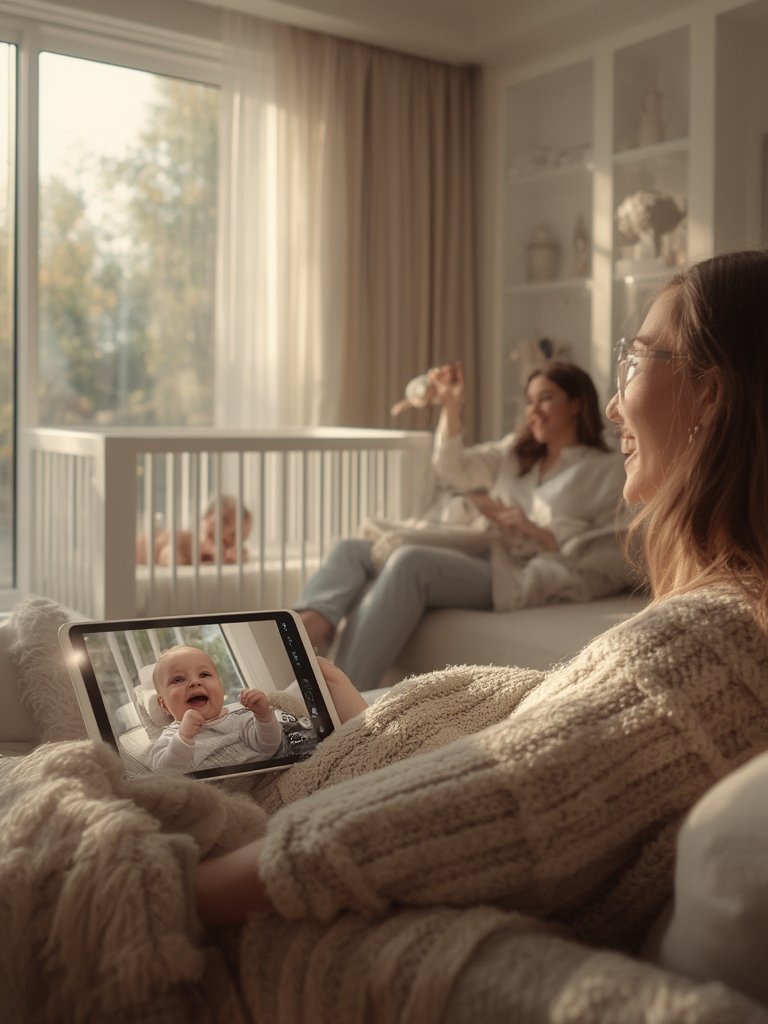
2026’s best smart baby monitor options combine advanced AI analytics, sharp night-vision cameras, and robust integration with your nursery’s overall environment. Yet, they’re only as reliable as their security, battery life, and your willingness to keep up with updates and app maintenance. Always anchor your decision on what delivers the right balance of peace of mind and practicality for your family.
If you want a deeper look at how smart monitoring fits into a complete safe-sleep environment, explore our guide on toddler bed and crib safety.
Ready to pick the best smart baby monitor 2026 for your family? Start with our buyer’s checklist, track real parent reviews, and prioritize security and reliability every step of the way.
FAQ: Smart Baby Monitors 2026
Are AI baby monitors worth the premium price in 2026?
AI baby monitors provide real-time insights, reduce false alarms by 45 percent, and add smart home functionality. Premium models can be expensive, but many parents value the predictive features and app convenience. Decide if advanced AI or just reliable video coverage best fits your needs and budget.
How do I know if my baby monitor is secure?
Look for models that clearly state their use of end-to-end encryption, edge processing, and two-factor authentication. Change all default passwords and keep firmware updated to lower hacking risk.
What should I do if the app crashes or if alerts are unreliable?
Check for software updates directly from the manufacturer. If issues persist, use a backup audio monitor at night and report the problem to customer support. Consider devices with dual connectivity (local screen plus app) for more reliability.
See also our best baby monitor guide for app reliability tips.
Is WiFi always better than radio-frequency monitors?
WiFi monitors offer flexibility and remote viewing, but are more susceptible to connection drops and interference. If your internet is unreliable, consider a hybrid device. Some parents use both for peace of mind.
Can AI monitors help with sleep training?
Some AI monitors track sleep cycles and can alert you to disturbances, potentially helping you time sleep training more effectively. For more insights, explore our guide on baby sleep training.
—